How to Spot AI-Powered Phishing: 8 Warning Signs and a Free Checker
AI makes phishing emails look perfect. Learn 8 warning signs, how to protect yourself and use our free checker to score a suspicious message.
 Aarav VanceUpdated November 9, 2026 · 6 min read
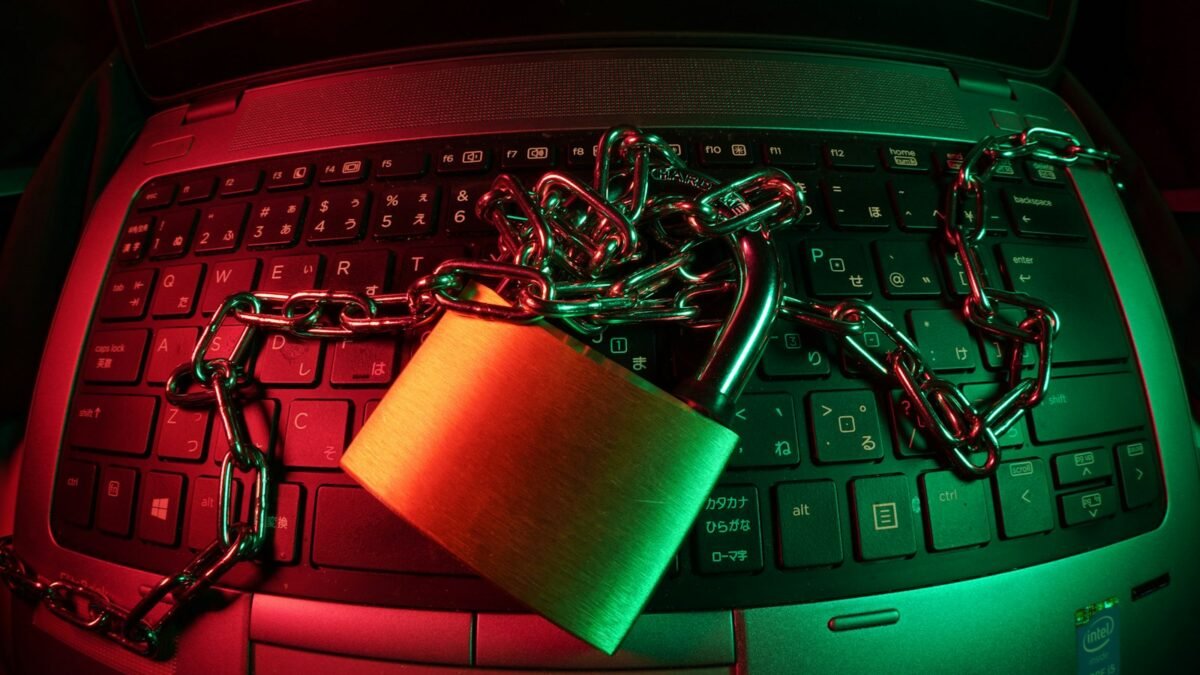
AI-powered phishing uses AI tools to write clean, personal and convincing scam messages, so bad spelling is no longer a reliable warning. Judge the request, not the writing: urgency, requests for passwords, codes or money, and links that do not match the real sender. Always verify through a second channel.
For years people were told to look for typos in scam emails. That advice is outdated. Criminals can now use AI to write polished messages in any language, copy a company's tone and tailor emails to one person.
This guide explains how AI phishing works, the signs that still give it away, and gives you a free eight-point checker. Pair it with two-factor authentication and strong, unique passwords.
What Is AI-Powered Phishing?
Phishing is a scam message that tricks you into giving away information or money. With AI, attackers can speed up the work and make messages look more real:
- Better writing: fluent, professional emails and texts without the usual mistakes.
- Personalisation: messages that mention your employer, town or recent activity, often pulled from public profiles.
- Voice and video fakes: cloned voices on phone calls, and fake video messages that pretend to be a colleague or relative.
- Scale: thousands of unique variations, which makes filters harder to beat.
Common Types of AI Phishing
| Type | How it works | Best defence |
|---|---|---|
| Email phishing | Polished emails pretending to be a bank, shop or service | Do not click; open the official app or type the address yourself |
| Spear phishing | Targeted at you using personal or work details | Verify unusual requests with the person directly |
| Smishing | Text messages about parcels, fines or bank alerts | Ignore links; contact the company through its official site |
| Voice cloning | A call that sounds like a family member or boss | Agree a family code word; call back on a saved number |
| QR code phishing | A QR code that leads to a fake login page | Check the web address before typing anything |
8 Signs a Message May Be Phishing
- The sender or link looks almost right but not quite.
- It pushes urgency or fear.
- It asks for passwords, codes or card details.
- It includes an unexpected attachment or login button.
- It comes from someone you did not expect to hear from.
- It asks for money, gift cards or new bank details.
- The greeting is generic, or the context feels slightly wrong.
- It asks you to keep the request secret.
Is This Email Phishing? 8-Point Checker
Tick every statement that matches the message you received. Nothing is stored or sent anywhere.
- Open the suspicious message without clicking links.
- Tick the statements that apply.
- Read the score and follow the advice shown.
How to Protect Yourself
- Slow down. Scammers rely on speed. Take two minutes before acting.
- Verify through a second channel. Call a number you already have, not one in the message.
- Use a password manager. It will not fill passwords on a fake site, which is a useful alarm.
- Turn on two-factor login. Even if a password leaks, the account is harder to take over.
- Consider passkeys. They cannot be typed into a fake website. Learn what a passkey is.
- Keep software updated. Our guide on Windows 10 ending explains why old systems are riskier.
- Do not rely on a VPN for this. It does not stop phishing; see do you need a VPN.
What to Do If You Clicked
- Disconnect from the internet if you downloaded a file.
- Change the password of the affected account from a clean device, then every account that shared it.
- Turn on two-factor authentication.
- Contact your bank if you shared card or payment details.
- Report the message to your email provider and national scam-reporting service.
- Watch your accounts for strange activity over the next weeks.
Using AI Safely Yourself
AI tools are useful, but never paste passwords, codes or private documents into a chatbot. For safer everyday use, read our ChatGPT prompts guide.
A Quick Habit Checklist for Every Message
Detection tricks age quickly because AI keeps improving the wording of scams. Habits last longer, because they do not depend on spotting a typo.
- Pause before you act. Almost every scam relies on urgency. A real bank or employer can wait five minutes while you verify.
- Switch channels. If a message asks for money, a code or a login, contact the sender using a phone number or website you already know, never the one in the message.
- Check the sender, not just the name. The display name can say anything. Look at the full address and the link destination by hovering over it.
- Never share one-time codes. No genuine support agent will ask you to read out a code sent to your phone.
- Use a passkey or an authenticator app. These cannot be handed over to a fake login page the way a typed password can.
- Agree a family password. A shared word helps you confirm a worried relative when a voice call or video sounds convincing but unusual.
For work accounts, report suspicious messages to your IT team even if you did not click. One report can protect your colleagues from the same campaign. At home, you can forward phishing emails to your email provider using the report phishing option.
Frequently Asked Questions
Can AI write phishing emails?
Yes. Criminals can use AI tools to draft fluent, personal messages, which is why spelling mistakes are no longer a dependable clue.
How can I tell an AI phishing email from a real one?
Look at what it asks you to do, not how well it is written. Urgency, requests for credentials or money, and mismatched links are the main signs.
Are voice-cloning scams real?
Yes, scammers can imitate voices from short audio clips. Hang up and call back on a saved number, and use a family code word.
Does antivirus stop phishing?
It can block known bad sites and files, but it cannot stop you from handing over information, so your own checks still matter.
Where do I report phishing?
Report to your email provider, your bank if relevant, and your country's official scam-reporting service.
Final Thoughts
AI has made phishing harder to spot by eye, but the defence is simple: pause, verify and protect your accounts with two-factor login or passkeys. Use the checker whenever a message makes you uneasy.
Explore More on TechWiseToday

Aarav Vance is a technology strategist and writer at TechWiseToday. With over 8 years of experience in software engineering and artificial intelligence, he breaks down complex tech concepts into actionable insights. When he isn't testing the latest AI tools or reviewing enterprise software, Aarav can be found writing code for open-source projects or tinkering with home automation setups.
[…] How to spot AI-powered phishing […]
[…] of protection. It will not stop a fake login page or a scam email, so pair it with our guides on spotting AI-powered phishing and identifying fake websites. Small teams should also read our roundup of cybersecurity software […]