Do You Need a VPN in 2026? When It Helps and When It Doesn’t
What a VPN really does, when it is worth paying for, what it cannot protect you from, and a free quiz to see if you need one.
 Aarav VanceUpdated November 3, 2026 · 5 min read
A VPN encrypts the connection between your device and the VPN server and hides your IP address from the sites you visit. It is useful on public Wi-Fi, when travelling and for extra privacy from your internet provider. It does not make you anonymous or protect you from scams and malware.
VPN adverts promise total privacy and complete safety online. That is not quite true. A VPN is a helpful privacy tool for some situations, and an unnecessary monthly cost in others.
This guide explains in plain English what a VPN does, when it is worth paying for, what it cannot do, and how to pick a trustworthy one. Use the free quiz below to see whether you actually need one.
What Is a VPN?
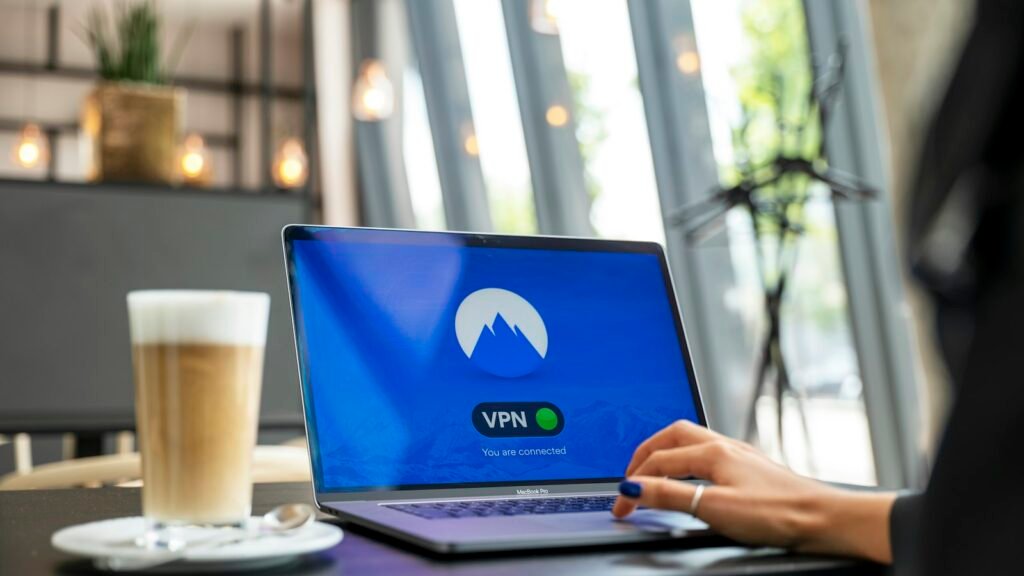
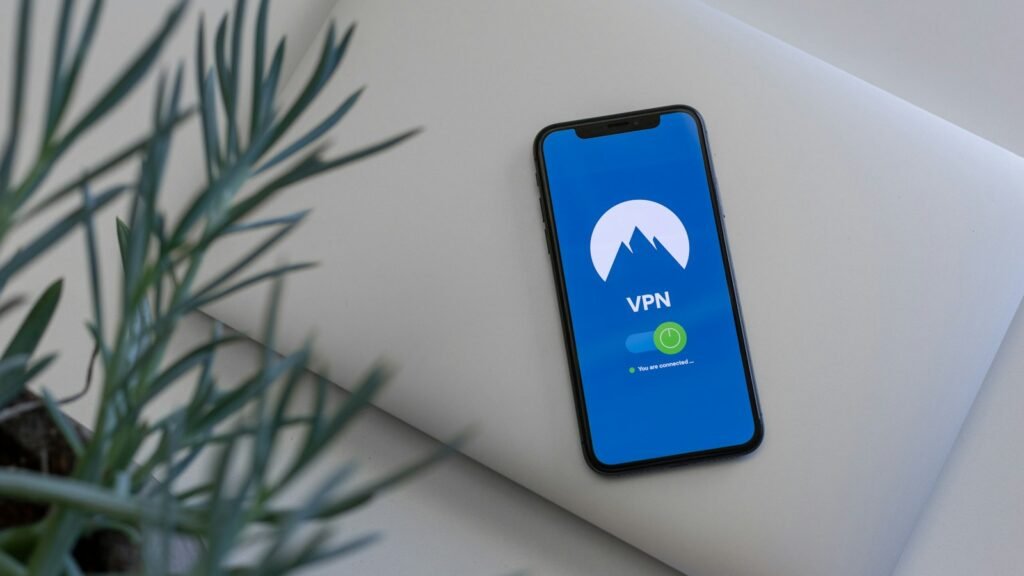
VPN stands for virtual private network. When it is switched on, your internet traffic travels through an encrypted “tunnel” to a server run by the VPN company before it reaches the website. Websites see the VPN server’s IP address instead of yours.
- Encryption: people on the same Wi-Fi network cannot read your traffic.
- IP masking: websites see the VPN’s location, not your home address.
- Provider privacy: your internet provider sees that you use a VPN, but not which sites you visit.
- Trust shift: the VPN company can now see your traffic instead, so choose carefully.
What a VPN Does and Does Not Do
| Situation | Does a VPN help? |
|---|---|
| Public Wi-Fi in cafés, hotels, airports | Yes, it adds encryption on shared networks |
| Hiding browsing from your internet provider | Yes |
| Accessing your home services while abroad | Often, if the provider has servers in your country |
| Stopping phishing emails and scam sites | No, that needs care and security tools |
| Blocking viruses and malware | No, use updates and antivirus |
| Making you anonymous | No, logins, cookies and tracking still identify you |
How a VPN Works
1. You connect to a server
The VPN app connects your device to one of the company’s servers, usually in a country you choose.
2. Your traffic is encrypted
Data leaving your device is scrambled using a VPN protocol such as WireGuard or OpenVPN.
3. The server forwards your requests
The VPN server sends your request to the website and passes the reply back to you.
4. Sites see the VPN, not you
Your real IP address stays hidden from the websites and apps you use.
Do You Need a VPN? Free Quiz
Tick what applies to you. You get a simple recommendation. Nothing is saved.
Do I Need a VPN?
Be honest about how you use the internet.
How to Choose a Trustworthy VPN
- Independent audits: look for a published third-party audit of the no-logs policy.
- Modern protocols: WireGuard or OpenVPN support.
- Kill switch: blocks internet if the VPN drops, so traffic does not leak.
- Clear company details: who owns it and where it is based.
- Fair pricing: be wary of very long plans and auto-renewal at a higher price.
Who Benefits Most From a VPN?
- Students: on shared campus and housing networks.
- Freelancers and remote workers: working from cafés and co-working spaces.
- Frequent travellers: hotel and airport Wi-Fi.
- Small businesses: staff connecting to company systems from outside the office.
Limits and Legal Points
- A VPN can slow your connection a little, especially to distant servers.
- Some streaming services block VPN servers or restrict content by region in their terms.
- VPNs are legal in the US, UK, Canada and Australia, but using one does not make illegal activity legal.
- Some banks may flag logins from unusual countries.
How to Get Started
- Take the quiz above to see if you need a VPN.
- Shortlist providers with independent audits.
- Try a monthly plan or money-back period first.
- Turn on the kill switch and auto-connect for untrusted Wi-Fi.
- Test your speed with the VPN on and off.
- Keep the app updated.
Frequently Asked Questions
Does a VPN make me anonymous?
No. It hides your IP address, but accounts, cookies and browser fingerprints can still identify you.
Do I need a VPN at home?
Usually not for security on a protected home network, but some people use one for privacy from their internet provider.
Will a VPN slow down my internet?
Slightly. Choosing a nearby server and a modern protocol keeps the slowdown small.
Can a VPN protect me from hackers?
It protects traffic on shared networks. It does not stop phishing, scam sites or malware.
Should I use a VPN on my phone?
Yes, if you often join public Wi-Fi. Mobile data is already fairly secure.
Are free VPNs safe?
Some are, many are not. Prefer free tiers from reputable paid providers.
Final Thoughts
- A VPN is great for public Wi-Fi, travel and privacy from your provider.
- It does not stop scams, malware or tracking by accounts.
- Choose an audited provider and test before committing.
Explore More on TechWiseToday

Aarav Vance is a technology strategist and writer at TechWiseToday. With over 8 years of experience in software engineering and artificial intelligence, he breaks down complex tech concepts into actionable insights. When he isn't testing the latest AI tools or reviewing enterprise software, Aarav can be found writing code for open-source projects or tinkering with home automation setups.