Used Smartphone Checklist: 10 Things to Check Before You Buy
Buying a second-hand phone? Use this 10-point used smartphone checklist to check locks, IMEI, battery health and hardware before you pay.
 Aarav VanceUpdated November 21, 2026 · 6 min read
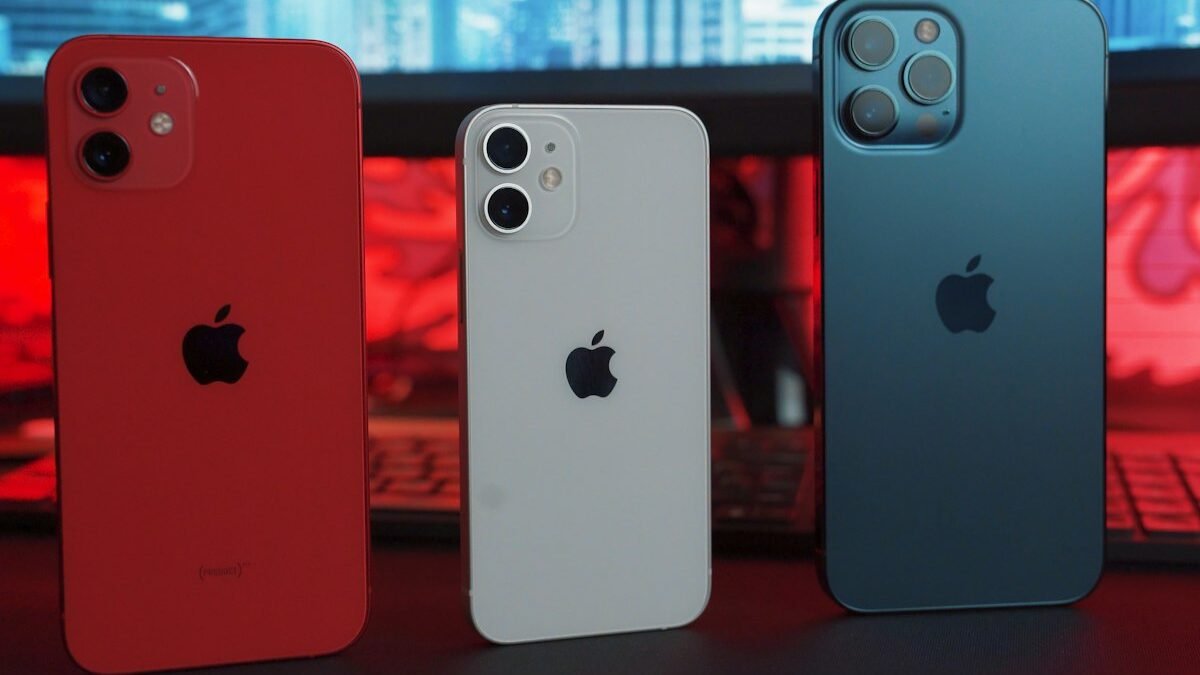
The short answer: before you pay for a used phone, check that it is not locked to someone else’s account, that the IMEI is clean, that the battery health is above about 80%, and that the screen, cameras, buttons and charging port all work. If the seller won’t let you check these things, walk away.
A good second-hand phone can cost a few hundred dollars less than a new one and still last years. A bad one can turn out to be stolen, blacklisted or locked to the previous owner, and then it is just an expensive paperweight. Use this checklist in person or when your order arrives, while you can still get a refund.
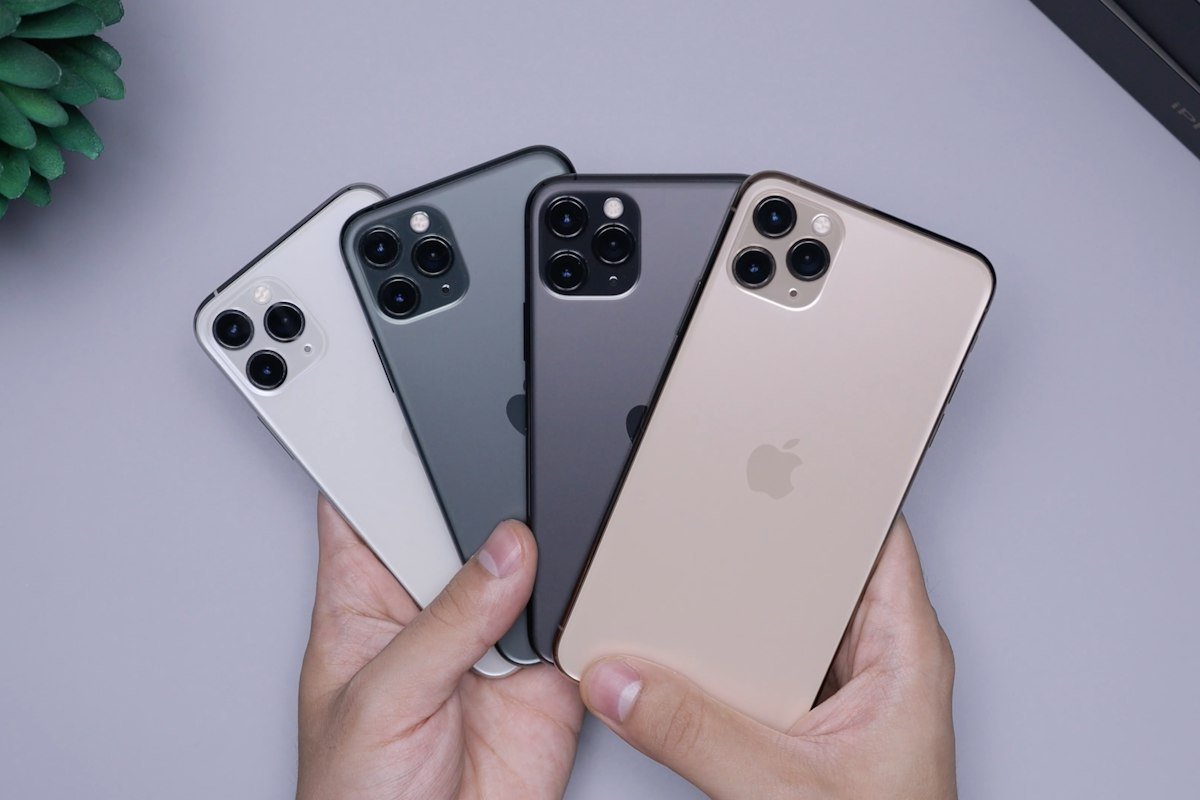
Where to Buy a Used Phone
| Source | Typical price | Protection |
|---|---|---|
| Manufacturer refurbished (e.g. Apple Certified Refurbished) | Around 10–20% below new | New battery and outer shell, 1-year warranty |
| Refurb marketplaces (Back Market, Amazon Renewed) | Often 25–45% below new | Return window and seller warranty, grades vary |
| Carrier trade-in stock | Varies with plan deals | Usually tested and unlocked by the carrier |
| Private sellers (Facebook Marketplace, eBay) | Cheapest, often 40–60% below new | Little or none unless the platform offers buyer protection |
Private sales give the best prices but carry the most risk, so the checks below matter most there.
The Used Smartphone Checklist
1. Make sure it isn’t locked to someone else
- iPhone: go to Settings. If you see the seller’s name at the top, ask them to sign out of their Apple Account and turn off Find My. A phone with Activation Lock on can’t be used by you.
- Android: ask the seller to remove their Google account before the reset. Otherwise Factory Reset Protection will ask for their password after setup.
- Best of all, watch the seller erase the phone in front of you and reach the “Hello” setup screen.
2. Check the IMEI
Dial *#06# to show the IMEI and make sure it matches the box and the SIM tray. Then run it through your carrier’s compatibility checker or a reputable blacklist checker to confirm the phone hasn’t been reported lost or stolen. For iPhones you can also enter the serial number on Apple’s coverage check page to see the model and warranty status.
3. Confirm it is unlocked or works on your carrier
Put your own SIM card in, make a call and load a web page on mobile data. If you use an eSIM, check that the phone supports it; our guide to what an eSIM is explains how to move your number.
4. Look at battery health
On iPhone, open Settings > Battery > Battery Health. Many recent iPhones also show cycle count there. On Samsung, open the Samsung Members app and run the battery diagnostic. Below about 80% you should expect to replace the battery soon, which typically costs $70–$120 at an official repair centre, so factor that into the price.
5. Check iPhone parts history
On recent iPhones, Settings > General > About shows Parts and Service History. It tells you whether the screen, battery or camera has been replaced and whether the part is genuine. A non-genuine screen isn’t always a deal-breaker, but it should mean a lower price.
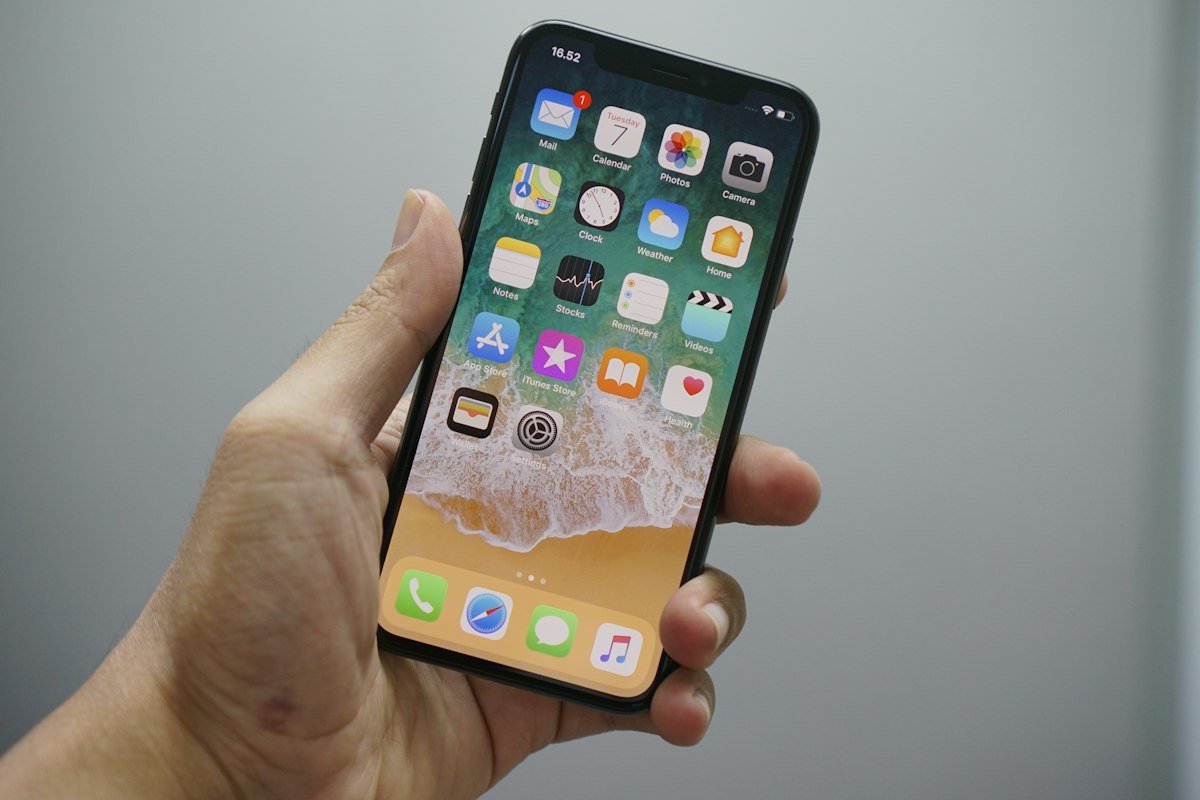
6. Test the screen and touch
- Open a plain white image at full brightness to spot dead pixels, yellow patches or burn-in.
- Drag an app icon slowly across the whole screen to find dead touch zones.
- Tilt the phone under light to spot fine scratches and lifting edges.
7. Test cameras, speakers, mics and sensors
Take a photo and a short video with every lens, record a voice memo and play it back, make a speakerphone call, and set up Face ID or the fingerprint sensor. Faulty Face ID is expensive to fix.
8. Check the charging port and buttons
Plug in a charger and wiggle the cable gently; charging shouldn’t cut in and out. Press every button and flip the mute switch or Action button.
9. Look for water damage
Fogging behind the camera lens, rust on the SIM tray or a red liquid-contact indicator inside the SIM slot are signs of past water damage. Water damage often causes problems weeks later.
10. Get proof of purchase
Ask for the original receipt or box, and get a written note or message with the price, IMEI and date. This protects you if the phone turns out to be stolen.
Used phone checker: should you buy it?
Tick each check the phone passed.
Red Flags That Mean Walk Away
- The seller won’t meet in a public place or let you test the phone.
- The price is far below every other listing for the same model.
- They say “it’s just locked, you can remove it later”.
- They want payment by gift card, crypto or wire transfer. The same tricks show up in online deal scams; see our list of fake deal scams to avoid.
After You Buy
- Reset the phone again yourself and set it up as new.
- Install all system updates.
- Restore your data from a backup; here’s how to back up your phone and computer.
- Add a case and screen protector before the first drop.
How Much Should You Pay for a Used Phone?
Check the going rate on two or three marketplaces for the same model, storage size and condition before you agree a price. As a rough guide, phones lose a large share of their value in the first year and then depreciate more slowly. Knock money off for anything you’ll have to fix: a worn battery, a replaced non-genuine screen or a missing charger and box all justify a lower price. Remember that the newest model usually gets software updates for longer, which adds real value over a bargain that stops receiving security patches soon.
People Also Ask
Is it safe to buy a used iPhone?
Yes, if Activation Lock is off, the IMEI is clean and you test it before paying. Certified refurbished models are the safest choice.
What battery health is acceptable on a used phone?
Around 85% or higher is good. Between 80% and 85% is fine if the price reflects it. Below 80%, plan for a battery replacement.
How do I know if a used phone is stolen?
Check the IMEI with your carrier or a blacklist checker, make sure the phone isn’t locked to another account, and be wary of sellers without a receipt or box.
Should I buy refurbished or used?
Refurbished usually costs a little more but includes testing, a return window and a warranty. Private used phones are cheaper but riskier.
Final Thoughts
The three checks that matter most are the account lock, the IMEI and network compatibility, because those problems can’t be fixed later. Hardware faults just affect the price. If you want the least hassle, buy certified refurbished; if you want the lowest price, buy privately but bring this checklist with you.

Aarav Vance is a technology strategist and writer at TechWiseToday. With over 8 years of experience in software engineering and artificial intelligence, he breaks down complex tech concepts into actionable insights. When he isn't testing the latest AI tools or reviewing enterprise software, Aarav can be found writing code for open-source projects or tinkering with home automation setups.
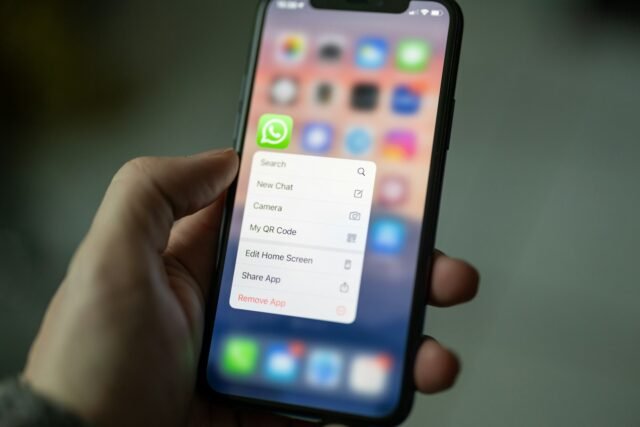
[…] to a newer phone. A used iPhone that supports current iOS versions is often affordable; our used smartphone checklist helps you avoid a bad buy. You can also keep using WhatsApp on a computer only if it is linked to a […]