Black Friday 2026 Scams: How to Spot Fake Deals and Stay Safe
Fake stores, bogus ads and phishing messages spike around Black Friday. Learn the common scams, safer payment habits and what to do if you get caught out.
 Aarav VanceUpdated November 11, 2026 · 8 min read
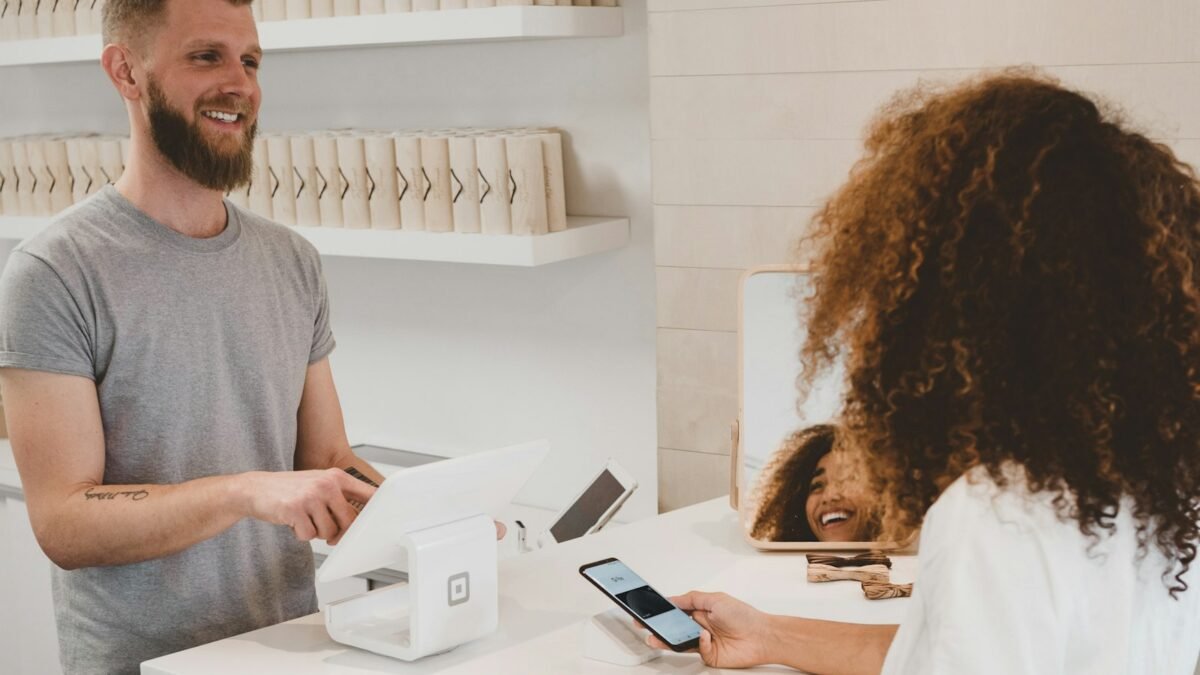
Every year the biggest shopping weekend of the year brings a wave of fake stores, bogus ads and messages that try to steal money or personal details. With Black Friday on November 27 and Cyber Monday on November 30, scammers are already working. The good news is that most of these tricks follow the same patterns, and a few habits will protect you from nearly all of them. This guide explains the scams to watch for, what the Federal Trade Commission recommends and what to do if something goes wrong.
Official advice comes first, so start with the FTC’s guide on how to avoid an online shopping scam this holiday season, which we summarise and expand on below.
Scam 1: Fake online stores
This is the most common trap. The FTC warns that scammers run social media ads for brand-name products at unusually low prices, such as electric scooters, designer bags and popular toys. The sites use stolen photos and logos but may send counterfeit goods, or nothing at all. In the FTC’s words, unusually low prices are a sign of a scam.
How to protect yourself:
- Do not click ads that offer very expensive items at a fraction of the usual price.
- Search the seller’s name together with “review,” “complaint” or “scam” before you buy.
- Look for a real business address, a phone number and clear return terms.
- Remember that a padlock or “https” in the address bar only means the connection is encrypted. The FTC notes it does not mean the site is legitimate.
Scam 2: Payments that cannot be reversed
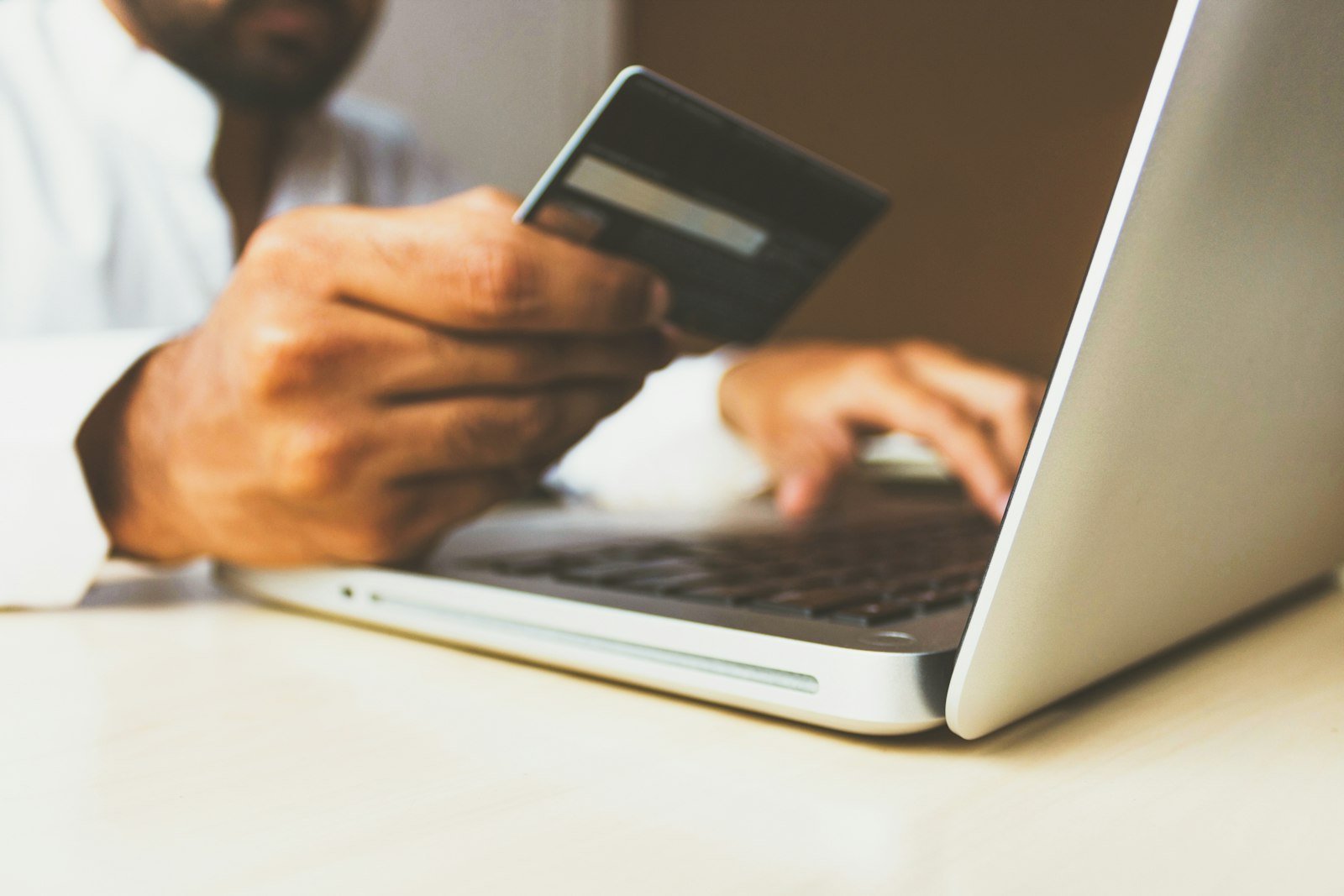
A seller who insists on a gift card, wire transfer, payment app or cryptocurrency is a red flag. The FTC’s advice is to pay by credit card when possible, since it lets you dispute charges for double billing, items you never received or wrong or defective products. Once you pay with a gift card or wire transfer, getting the money back is very hard.
Scam risk checker
Tick how many of these warning signs apply to the offer you are looking at. Enter a number from 0 to 8.
Scam 3: Fake reviews and ratings
The FTC says some reviews and ratings are fake or misleading. Do not rely on star ratings alone. Read reviews from several sources, look for details about the product and the delivery, and be suspicious of pages where every review is five stars and written in a similar style. Independent review sites and forums are often more honest than the seller’s own page.
Scam 4: Phishing emails and texts
Messages claiming to be from a store, bank or delivery company, with a link to “confirm your order” or “fix a payment problem,” are a classic trick. The link leads to a page that copies the real one and asks for your login or card details. Instead of tapping the link, open the retailer’s app or type the address yourself. Banks and stores do not normally ask for your full card number or password by message. We explain the broader habits in our online security guides.

Scam 5: Fake order problems and refund tricks
Some scammers contact you after a genuine purchase, saying there was an error and you are owed a refund, then ask you to install a remote access app or share a code. A real store will never need remote control of your phone or computer to issue a refund. If you get such a call or message, hang up and contact the store using the number on its official site.
Scam 6: Doorbuster bait-and-switch
Advertisements for a hugely discounted product can lead to a page where the item is “out of stock” and a more expensive alternative is offered. Limited stock is normal at real sales, but be careful if the whole offer disappears the moment you try to buy. Compare the price with the manufacturer’s site and walk away if it does not match.
What to check before you buy from any store
- Search the store’s name with “review,” “complaint” and “scam.”
- Check the price, extra charges, refund policy, who pays return shipping and any restocking fee.
- Read the privacy policy to see what data the site collects.
- Choose credit card payment where possible.
- Save the order details, return policy, shipping promise, messages and payment statements.
The FTC also notes that sellers must generally ship within the time they promise, or within 30 days if no time is given. If you paid by credit card and never received your item, you can dispute the charge.
Quick comparison: safe habits and risky habits
| Situation | Safer choice | Riskier choice |
|---|---|---|
| Paying a new store | Credit card | Gift card, wire or crypto |
| Unknown deal in an ad | Search the seller first | Click and pay straight away |
| Message about an order | Open the official app | Tap the link in the message |
| Reviews | Read several independent sources | Trust the store’s own page |
| Record keeping | Save receipts and messages | Delete everything after buying |
What to do if you are scammed
- Contact the seller and try to resolve the problem.
- Contact the company you paid, such as your credit card issuer, to dispute the charge.
- Report it at ReportFraud.ftc.gov if they cannot help.
- Change passwords on any account whose details you entered, and turn on two-factor authentication.
- Watch your statements for the next few months for unfamiliar charges.

A worked example: spotting a fake store in two minutes
Imagine you see an ad for a popular games console at 60% below the usual price from a store you have never heard of. First, search the store name with “review” and “scam.” If the only results are brand-new pages or nothing at all, that is a warning. Second, look at the contact page. A real business lists an address and a phone number you can check. Third, look at the payment options at checkout. If it only accepts a gift card, wire transfer or cryptocurrency, close the tab. Finally, compare the price with the manufacturer’s site and big retailers. If a price is far lower than every genuine seller, the product is probably not real or will never arrive. The whole check takes about two minutes and costs nothing.
Protect your accounts as well as your wallet
Shopping scams are often about stealing logins rather than one payment. Use a different password for every store, ideally with a password manager, and turn on two-factor authentication where it is offered. Do not save your card in a store you rarely use, and consider a virtual card number if your bank offers one. After the holiday weekend, scroll through your statements and look for small unfamiliar charges, since thieves sometimes test a card with a tiny amount before a larger one.
Helping family members stay safe
Parents and grandparents are common targets because they may be less familiar with fake sites and urgent messages. Take five minutes to show them the three basic rules: do not tap links in messages, check the seller’s name before paying and never pay with gift cards. Tell them they can always send you a screenshot first. Many losses happen because someone felt too embarrassed to ask.
Who is most at risk?
- People shopping in a hurry on a phone, where addresses and warnings are harder to see.
- Shoppers hunting for a hard-to-find item, such as the newest console or phone.
- Anyone clicking social media ads instead of going to the store directly.
- Buyers who use payment methods without dispute rights.
Frequently asked questions
What is the most common Black Friday scam?
Fake online stores advertised on social media with very low prices are among the most common. The FTC warns that they can send counterfeit goods or nothing at all.
What is the safest way to pay online?
The FTC advises paying by credit card when possible because you can dispute charges. Avoid sellers who insist on gift cards, wire transfers, payment apps or cryptocurrency.
Does the padlock mean a website is safe?
No. An https address means the connection is encrypted, but the FTC notes it does not mean the site is legitimate.
How do I check if a store is real?
Search its name with words like review, complaint or scam, look for a real address and contact details, and check the refund policy before paying.
What should I do if I paid a scammer?
Contact the seller, then the company you paid to dispute the charge, and report the scam at ReportFraud.ftc.gov. Change passwords on any accounts you entered details into.
Can reviews be fake?
Yes. The FTC says some reviews and ratings are fake or misleading, so read reviews from several independent sources rather than relying on star ratings alone.
Final thoughts
Scams thrive on urgency, so slow down. A few minutes spent checking a seller, choosing a safer payment method and keeping your records can save you hundreds of dollars. If you are also planning your tech purchases, read our guide to Black Friday tech shopping mistakes before you buy.

Aarav Vance is a technology strategist and writer at TechWiseToday. With over 8 years of experience in software engineering and artificial intelligence, he breaks down complex tech concepts into actionable insights. When he isn't testing the latest AI tools or reviewing enterprise software, Aarav can be found writing code for open-source projects or tinkering with home automation setups.

[…] Pick the lowest tier that covers your real use, review your usage after a week, and keep an eye on fake subscription offers and scam deals that copy big brands around launch […]