Do Smart Plugs Save Money? How They Work and Where to Use Them
How smart plugs cut standby power, which devices to use them on, safety limits, and a free calculator showing what any device costs per year.
 Aarav VanceUpdated November 3, 2026 · 5 min read
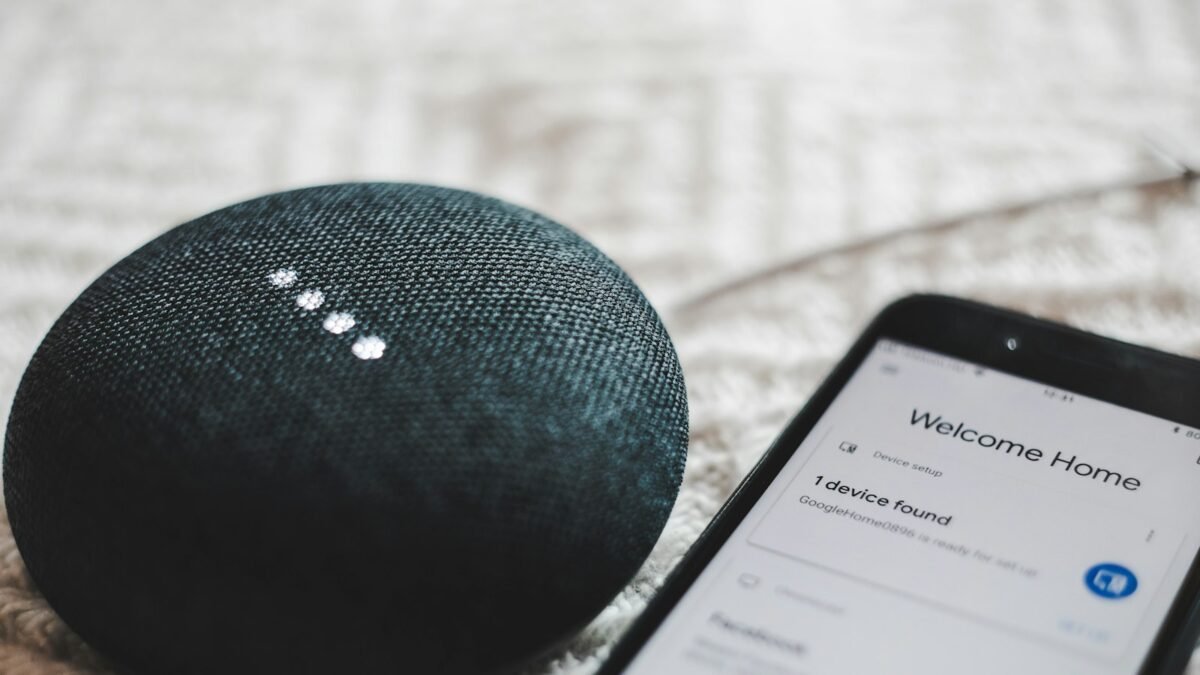
Smart plugs save money by switching devices fully off on a schedule, cutting standby power and stopping things running when nobody needs them. The savings per plug are usually small, but they add up for heaters, older TVs, games consoles and chargers. The real value is often convenience and peace of mind.
Smart plugs are one of the cheapest ways to start a smart home. You plug one into the wall, plug a device into it, and control it from your phone or with your voice. But do they actually save money, or just add another gadget?
This guide explains how smart plugs work, where they save the most, what they cannot do safely, and how to set them up. Use the free energy cost calculator below to see what any device really costs you.
What Is a Smart Plug?
A smart plug is a small adapter with a Wi-Fi, Bluetooth, Zigbee, Thread or Matter connection inside. It sits between the wall socket and your device, and it can turn the power on or off from an app, a voice assistant or a schedule.
- Remote control: switch devices on or off from anywhere.
- Schedules: turn things off at night or on when you wake up.
- Energy monitoring: some models show how much power a device uses.
- Voice control: works with Alexa, Google Assistant or Siri, depending on the model.
Where Smart Plugs Help Most
| Device | Typical benefit | Worth it? |
|---|---|---|
| TV, console and soundbar | Cuts standby power overnight | Yes |
| Electric blanket or small heater | Stops it running longer than needed (check plug rating) | Yes, with a suitable plug |
| Phone and laptop chargers | Turns off after charging | Small saving, nice habit |
| Lamps | Schedules for security when away | Yes, for convenience |
| Fridge or freezer | Should never be switched off | No |
| Wi-Fi router | Breaks internet and smart devices | Usually no |
How to Set Up a Smart Plug
1. Choose the right plug for your region
UK, US, EU and Australian sockets are different. Check the plug’s maximum load (in amps or watts).
2. Install the app
Use the brand’s app or a platform like Google Home, Amazon Alexa or Apple Home if the plug supports Matter.
3. Connect it to your Wi-Fi
Many plugs only work on the 2.4GHz Wi-Fi band. Keep your phone close during setup.
4. Name it clearly
“Living room lamp” is easier for voice assistants than “Plug 1”.
5. Add a schedule
Start with one simple off-time, such as midnight for the TV setup.

Free Energy Cost Calculator
Enter a device’s power use and your electricity price to see what it costs per year, and how much a smart plug schedule could save. Nothing is saved.
Device Energy Cost Calculator
Find watts on the device label or with an energy-monitoring plug. Use your price per kWh from your bill.
Types of Smart Plugs
- Wi-Fi plugs: simple, no hub needed.
- Zigbee or Thread plugs: use a hub, often more reliable in large homes.
- Matter plugs: work across Apple, Google, Amazon and Samsung systems.
- Energy-monitoring plugs: show live and historic power use.
- Outdoor plugs: weather-resistant for garden lights.
Who Benefits Most?
- Students: chargers and lamps on schedules in shared housing.
- Remote workers: office equipment switched off after work.
- Families: TV and console limits for kids.
- Small shops: signs and displays on timers.
Safety and Limits
- Never exceed the plug’s maximum load, especially with heaters.
- Do not use smart plugs on fridges, freezers or medical equipment.
- Avoid devices that should not restart unattended, like irons or space heaters without safety cut-offs.
- Buy from known brands with safety certification for your country.
- Keep the plug’s firmware and app updated.
For general energy-saving advice, see the US Department of Energy’s Energy Saver guide.

How to Get Started
- Pick one area with several standby devices.
- Buy a plug rated for your country and load.
- Set it up in the app and name it clearly.
- Add one simple schedule.
- Check energy use after a week.
- Add more plugs only where they help.
Frequently Asked Questions
Do smart plugs use electricity themselves?
Yes, a small amount, usually around a watt or less. Make sure the saving is bigger than this.
Can a smart plug turn on a heater?
Only if the plug is rated for the heater’s load and the heater is safe to restart. Many manufacturers advise against it.
Do I need a hub?
Not for Wi-Fi plugs. Zigbee and Thread plugs need a compatible hub or smart speaker.
What is Matter?
A smart home standard that lets devices work across Apple, Google, Amazon and Samsung platforms.
Will smart plugs work if the internet goes down?
Many keep local schedules, but app and voice control may stop until the connection returns.
Are smart plugs secure?
Reputable brands with regular updates are generally safe. Use a strong Wi-Fi password.
Final Thoughts
- Smart plugs cut standby power and wasted run time.
- Savings are modest per plug but add up.
- Respect load limits and never switch off fridges.
Explore More on TechWiseToday

Aarav Vance is a technology strategist and writer at TechWiseToday. With over 8 years of experience in software engineering and artificial intelligence, he breaks down complex tech concepts into actionable insights. When he isn't testing the latest AI tools or reviewing enterprise software, Aarav can be found writing code for open-source projects or tinkering with home automation setups.