CapCut Alternatives: 10 Free and Paid Editors That Work If CapCut Isn’t Available (2026)
CapCut blocked or too expensive? 10 of the best CapCut alternatives for phone, PC and browser, with free plans, pros, cons and a quick pick tool.
 Aarav VanceUpdated November 19, 2026 · 7 min read

The short answer: VN Video Editor is the closest free CapCut alternative on phones, Clipchamp is the easiest switch on a computer, and DaVinci Resolve is the most powerful free upgrade. Below are 10 options with pros, cons and who each one suits.
CapCut became the default editor for millions of creators almost overnight. But that popularity comes with a risk: when an app is restricted in a country, pulled from app stores, or suddenly changes its pricing, creators who depend on it are stuck.
Whether CapCut isn’t available where you live, you’re worried about future restrictions, or you just want something different, these CapCut alternatives cover every need — from simple phone edits to professional desktop work. If you also use AI apps in your workflow, our list of the best free AI apps is a good companion read.
Why Do People Look for CapCut Alternatives?
- Regional bans and restrictions: CapCut has been blocked in some countries, and access has been interrupted in others
- Rising prices: paid plans have become more expensive, and some free assets moved behind paywalls
- Privacy concerns: some businesses prefer tools with different data policies
- Professional needs: longer videos and client work need more advanced timelines
Picture a small bakery that posts three Reels a week. If CapCut suddenly disappears from the app store, its owner loses templates, saved projects and a routine that took months to build. Having a second editor ready turns that into a minor change instead of a crisis.
Find your CapCut alternative in 10 seconds
Where do you edit?
What matters most?
Best CapCut Alternatives for Mobile
1. InShot
The simplest switch from CapCut for quick phone edits.
- Pros: Lightweight, fast, works on older phones
- Cons: Watermark and ads on the free version
- Best for: Quick Reels and Stories
2. KineMaster
Offers multi-layer editing, chroma key, and keyframes on mobile.
- Pros: Powerful layers and asset store
- Cons: Watermark unless you subscribe
- Best for: Mobile creators who need more control
3. VN Video Editor
A clean, free editor with a CapCut-like feel and no watermark.
- Pros: Free, multi-track, no forced watermark
- Cons: Fewer trendy templates
- Best for: Creators who want CapCut’s simplicity without lock-ins
4. LumaFusion
LumaFusion brings pro-level editing to iOS, Android, and Chromebook with a one-time purchase.
- Pros: Professional multi-track timeline, no subscription required
- Cons: Paid upfront, steeper learning curve
- Best for: Journalists and serious mobile filmmakers
5. YouTube Create
Google’s free mobile editor made for YouTube creators, available in selected countries.
- Pros: Free, no watermark, includes captions and royalty-free music
- Cons: Availability varies by country and platform
- Best for: YouTube Shorts creators
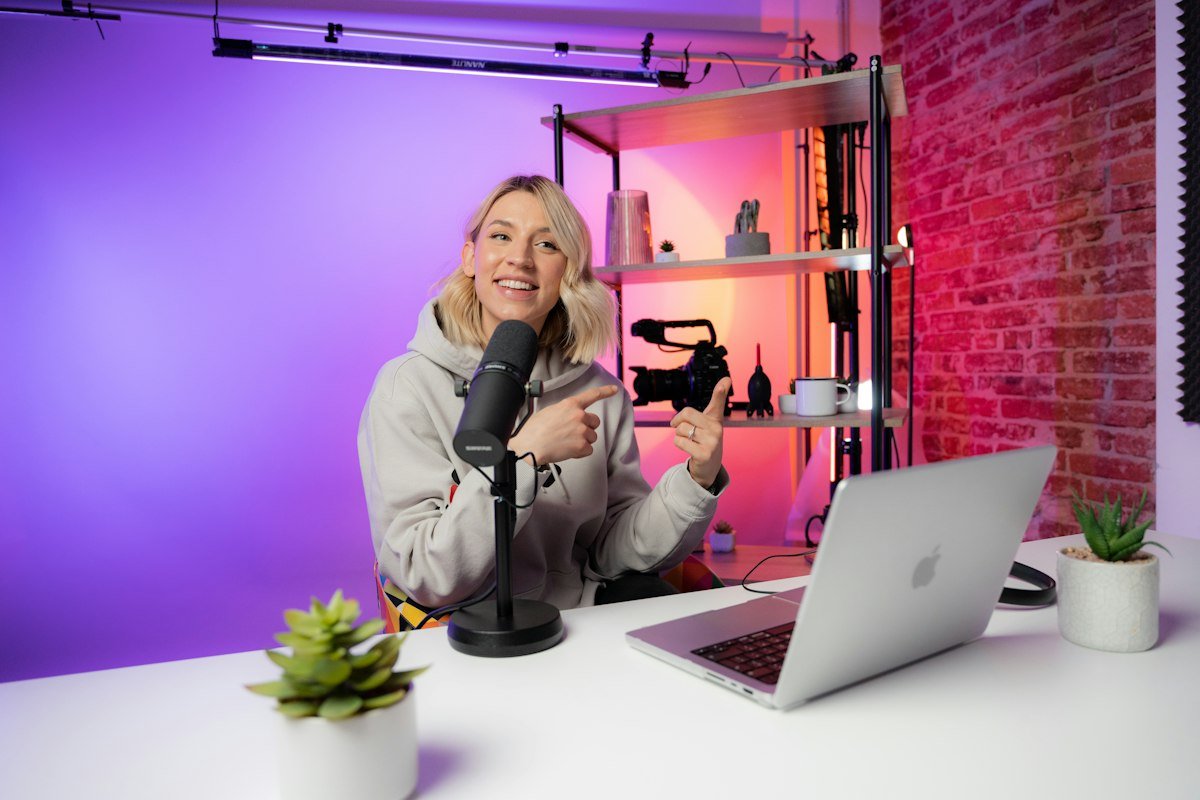
Best CapCut Alternatives for Desktop and Web
6. Microsoft Clipchamp
Built into Windows 11 and available in the browser. Simple, clean, and free for 1080p exports.
- Best for: Tutorials, school projects, and simple social videos
7. Canva Video Editor
Ideal if your videos are mostly promos, ads, and branded social content.
- Best for: Small businesses and marketers
8. DaVinci Resolve
DaVinci Resolve is a free, professional editor with Hollywood-grade color tools.
- Best for: Creators ready to move beyond templates
- Note: Needs a reasonably powerful computer. If yours is struggling, these free fixes to speed up an old laptop help before you upgrade.
9. VEED
Browser-based editor with strong subtitles and translation features.
- Best for: Captions and team workflows on any laptop
10. Wondershare Filmora
A middle-ground editor with lots of effects, AI features, and an easy interface.
- Best for: YouTubers stepping up from mobile editing
Quick Comparison
| App | Platform | Free? | Closest to CapCut? |
|---|---|---|---|
| InShot | Mobile | Yes (watermark) | Very close |
| KineMaster | Mobile | Yes (watermark) | Close, more advanced |
| VN | Mobile, Desktop | Yes | Very close |
| LumaFusion | Mobile, Tablet | No | More professional |
| YouTube Create | Mobile | Yes | Close |
| Clipchamp | Windows, Web | Yes | Close (desktop) |
| Canva | Web, Mobile | Yes | Template-focused |
| DaVinci Resolve | Desktop | Yes | Much more advanced |
| VEED | Web | Yes (watermark) | Close (web) |
| Filmora | Desktop, Mobile | Yes (watermark) | Close, more effects |
Most people who switch from CapCut say the hardest part is not learning the new app — it is rebuilding their favourite templates. Do that once, save them as presets, and the switch is basically done.
How to Switch from CapCut Smoothly
- Export your important projects as finished videos before you lose access.
- Save your assets separately: music, logos, fonts, and B-roll in a cloud folder you control.
- Recreate your favorite templates once in the new app and save them as presets.
- Learn three shortcuts a day instead of everything at once.

Which CapCut Alternative Should You Pick?
With ten options, choosing can feel overwhelming. Use this simple guide based on what you create most:
- You edit only on your phone and post Reels or TikToks: start with VN Video Editor. It’s free, clean, and feels the most like CapCut.
- You need green screen and layers on mobile: KineMaster gives you the most control without moving to a computer.
- You post YouTube Shorts: try YouTube Create if it’s available in your country — it’s built specifically for Shorts.
- You run a small business: Canva is the fastest way to create branded promos and product clips.
- You edit long YouTube videos on a computer: DaVinci Resolve if your PC is powerful, Clipchamp or Filmora if it’s average.
- You work with a team or on any laptop: VEED runs in the browser and makes collaboration simple.
A freelance editor who works for three small clients might keep VN on her phone for quick Reels and DaVinci Resolve on her laptop for longer YouTube edits. Two free tools cover almost everything CapCut did, with no subscription.
Features You’ll Miss (and How to Replace Them)
| CapCut Feature | Where to Find It Instead |
|---|---|
| Auto captions | VEED, Clipchamp, YouTube Create, Premiere Pro |
| Trending templates | Canva, Filmora |
| Background removal | Canva Pro, VEED, KineMaster |
| Text-to-speech | Clipchamp, VEED |
| Beat sync | Filmora, VN |
Most creators find they lose very little by switching — and gain independence from a single app’s pricing and availability.
Free vs Paid: How Much Should You Spend?
Most creators don’t need to spend anything to replace CapCut. VN, YouTube Create, Clipchamp, Canva, and DaVinci Resolve all have strong free versions. Spend money only when a specific feature saves you real time — for example, KineMaster’s premium assets for daily mobile editing, LumaFusion’s one-time purchase for professional tablet work, or Filmora’s paid plan to remove watermarks on desktop.
A practical approach is to use one free mobile editor and one free desktop editor for a full month. If neither slows you down, you’ve just saved yourself a subscription. If one keeps blocking you, upgrade that one — and only that one.
Plans, prices and country availability change often. Before you pay for any editor, check the current plan on the app store or the official website, and test the free version first.
Getting Started Today
- Use the finder above to pick one phone editor and one computer editor.
- Export your three most important CapCut projects as finished videos.
- Rebuild your most-used template in the new app and save it.
- Edit your next video entirely in the new app before deciding whether to keep it.
People Also Ask
What is the best free alternative to CapCut?
VN Video Editor is the closest free option on mobile. On desktop, Clipchamp is the easiest switch, while DaVinci Resolve is the most powerful free upgrade.
Is there a CapCut alternative without a watermark?
Yes — VN, YouTube Create, Clipchamp (free exports), DaVinci Resolve, and Canva (with free assets) all let you export without a watermark.
Can I use a VPN to access CapCut?
That may break the app’s terms of service or local regulations, and accounts can be affected. Using an officially available alternative is the safer choice.
Which CapCut alternative is best for YouTube?
DaVinci Resolve for long-form, and YouTube Create or VN for Shorts.
Can I move my CapCut projects to another editor?
Project files usually can’t be opened in other apps. Export finished videos and save your raw clips, music and logos separately, then rebuild templates in the new editor.
Final Thoughts
Relying on a single app is risky for any creator or business. The good news is that today’s CapCut alternatives are excellent, and many are completely free. Pick one mobile and one desktop tool from this list, learn the basics this week, and you’ll never be stuck again. If you download clips for your edits, our guide to YouTube video download apps covers the safe and official options. For more app guides, explore our Software & Applications section on TechWiseToday.

Aarav Vance is a technology strategist and writer at TechWiseToday. With over 8 years of experience in software engineering and artificial intelligence, he breaks down complex tech concepts into actionable insights. When he isn't testing the latest AI tools or reviewing enterprise software, Aarav can be found writing code for open-source projects or tinkering with home automation setups.


[…] Edited photos and duplicates eat space quickly. Follow our guide to free up phone storage to keep your iPhone running smoothly, and if you also make short videos, see our list of CapCut alternatives. […]