WhatsApp Ends Support for Older iPhones on November 30, 2026: Is Your iPhone Affected?
WhatsApp will need iOS 15.5 or newer from November 30, 2026. See which iPhones are affected, how to update, and use our free checker.
 Aarav VanceUpdated November 24, 2026 · 8 min read

from November 30, 2026, WhatsApp needs iOS 15.5 or newer on iPhone. If your phone is on iOS 15.4 or older, update it in Settings, then General, then Software Update before that date.
It sounds dramatic when an app “stops working,” but this change is smaller than most headlines suggest. It only affects iPhones that are not fully updated, and in most cases the fix takes ten minutes and costs nothing. Here is how to check your phone, what to do if it is affected, and what to do if it cannot update at all.
What is changing on November 30, 2026?
WhatsApp is raising the minimum iOS version it supports. Today the minimum is iOS 15.1. After November 30, 2026, WhatsApp will only run on iOS 15.5 or newer. According to MacRumors and WABetaInfo, WhatsApp is already sending reminders to people on older versions.
- Deadline: November 30, 2026.
- New minimum: iOS 15.5.
- Who is hit: phones on iOS 15.1 to 15.4.
- Also applies to: WhatsApp Business.
- Cost to fix: nothing, it is a free iOS update.
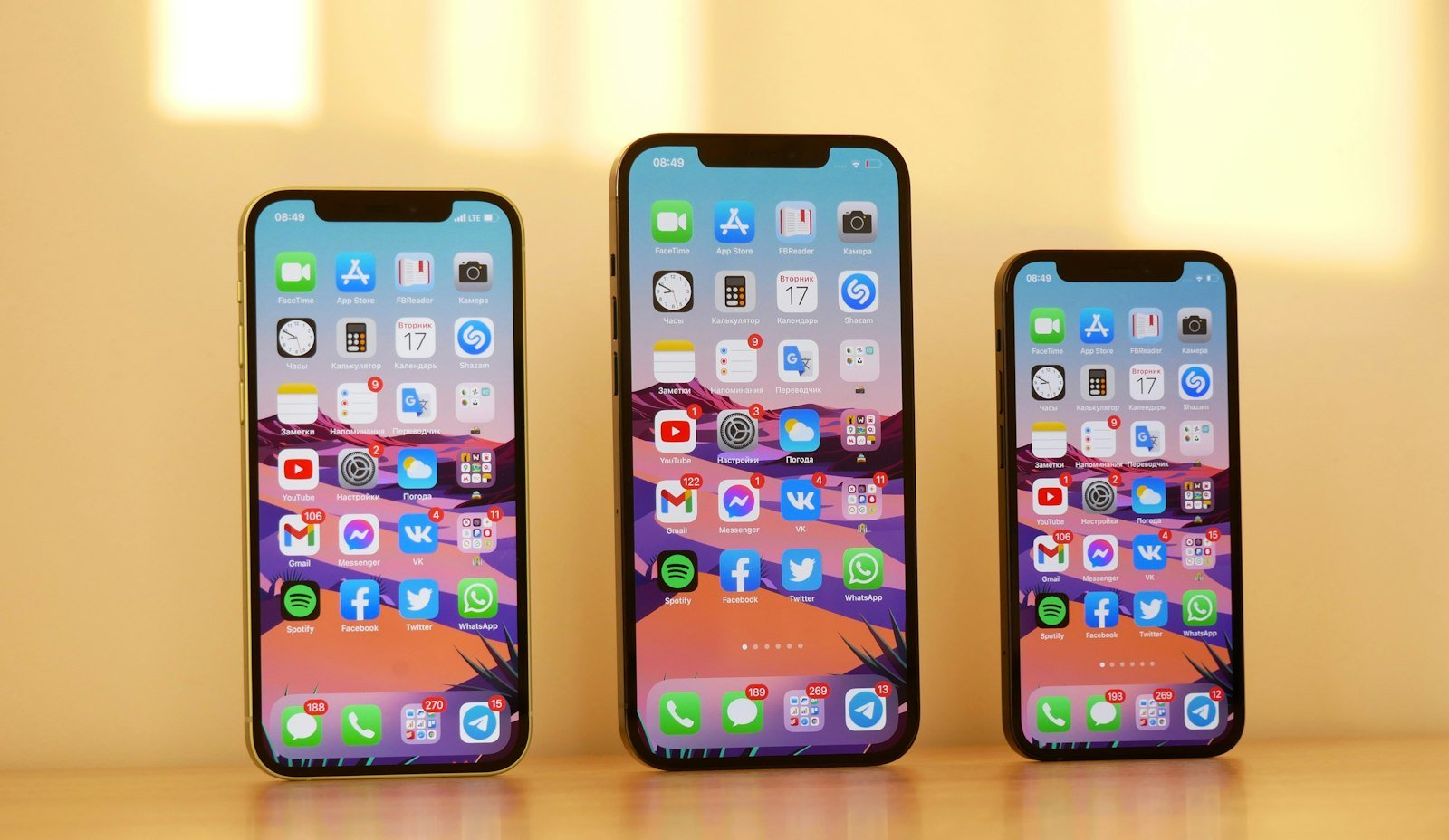
Sara gave her old iPhone 7 to her mother two years ago. It still runs WhatsApp every day for family calls, but nobody has updated iOS since it was handed over. It is on iOS 15.3. After November 30, WhatsApp would stop opening on it. A ten-minute update to the latest iOS 15 release solves the problem.
Which iPhones need to update?
The change is about the iOS version, not the model. But the phones that most often sit on old software are the ones that stopped getting regular upgrade prompts. This table shows where each model stands.
| iPhone model | Highest iOS it can run | Status for WhatsApp after Nov 30 |
|---|---|---|
| iPhone 8, 8 Plus, X and newer | iOS 16 or later | Fine, as long as iOS is up to date |
| iPhone 7, 7 Plus | iOS 15 (last version is 15.8.x) | Update to 15.5 or newer |
| iPhone 6s, 6s Plus | iOS 15 (last version is 15.8.x) | Update to 15.5 or newer |
| iPhone SE (1st generation) | iOS 15 (last version is 15.8.x) | Update to 15.5 or newer |
| iPhone 6, 6 Plus, 5s and older | iOS 12 | Already unsupported since 2025 |
Open Settings, tap General, then About, and read the Software Version. If it says 15.5 or higher, you are already fine and need to do nothing.
How do you update your iPhone before the deadline?
- Back up your chats. In WhatsApp, go to Settings, then Chats, then Chat Backup, and tap Back Up Now.
- Plug in your charger and connect to Wi-Fi, because updates are large.
- Open Settings, then General, then Software Update.
- Tap Download and Install if an update is shown.
- Check the version again under General, then About.
- Open WhatsApp and confirm your chats are all there.
Free storage can block the update. If your phone says there is not enough space, delete unused apps or large videos first. Our tech tips and tricks section has simple steps for clearing storage.
Is My iPhone Ready for the WhatsApp Change?
Pick your model and iOS version to see what to do.
What if your iPhone cannot be updated?
Models older than the iPhone 6s cannot install iOS 15, and they already lost WhatsApp support in 2025. If you are using one of these as your main phone, you have three realistic options:
- Move to a newer used or refurbished iPhone. An iPhone 8 or newer keeps WhatsApp working for years.
- Use WhatsApp Web on a computer, linked to a working phone, for basic messaging.
- Keep important chats by exporting them before the old phone stops working.
Imran keeps an old iPhone 6 in the shop for customer orders on WhatsApp. It stopped working last year. He now runs WhatsApp Business on a newer phone, and uses WhatsApp Web on the shop computer so orders show up on a bigger screen.
Does updating risk your chats and photos?
A normal iOS update keeps your apps, chats and photos. The real risk is a failed update or a lost phone, which is why a backup comes first. If you use iCloud backup, check that it finished. Our guide to online security also explains why keeping your phone updated protects you from scams and account takeovers.
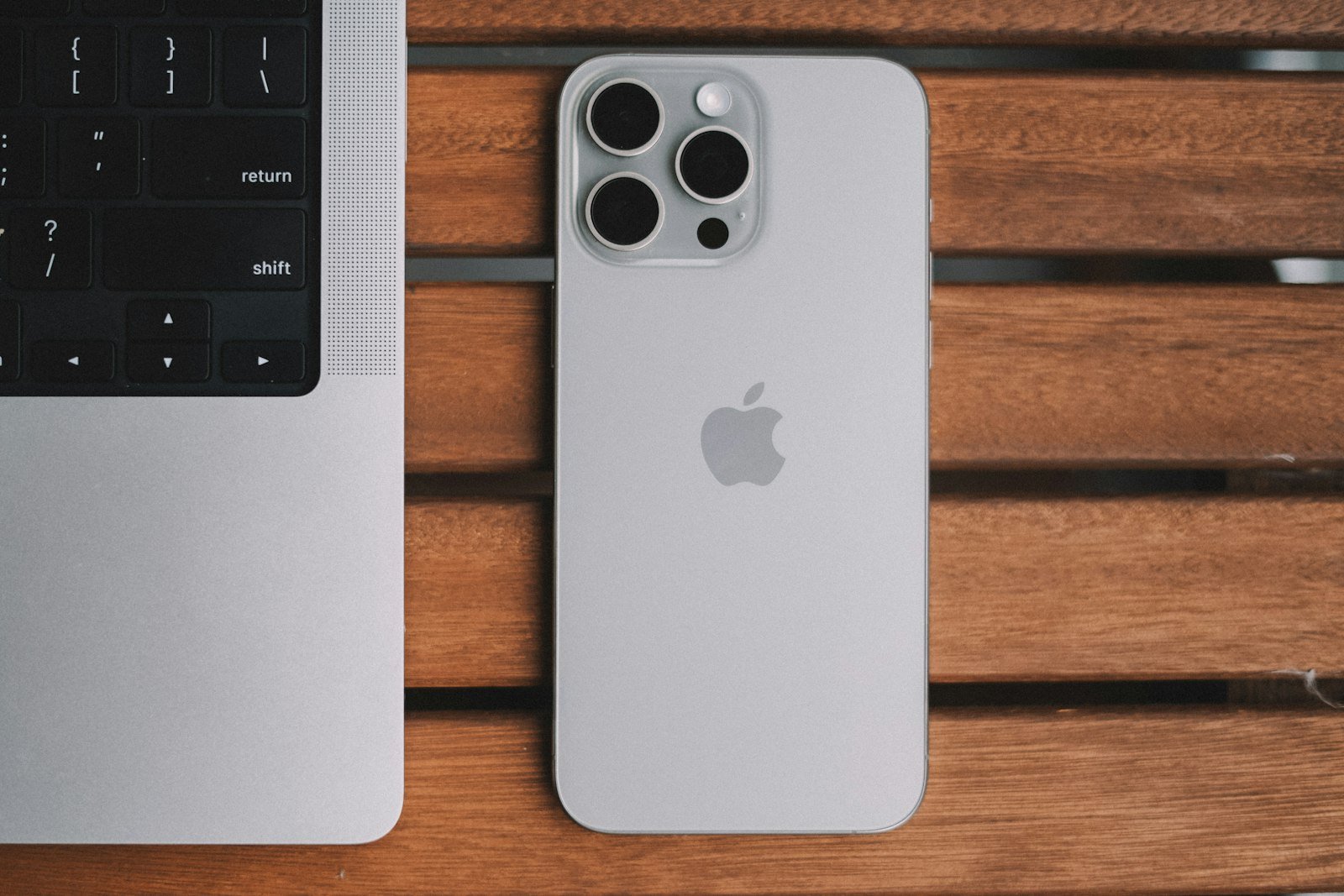
Turn on Automatic Updates under Settings, General, Software Update. Your iPhone will install future iOS updates overnight, so you never fall behind a deadline again.
Why does WhatsApp keep dropping older iOS versions?
Every messaging app has to support the software its users actually run. Each extra old version means more testing, more bug fixes and more code that has to work on systems that no longer get security patches from Apple. By raising the minimum, WhatsApp can use newer system features, fix security problems faster and keep the app lighter for everyone else.
WhatsApp has done this repeatedly over the years, usually once or twice a year, and it normally gives months of warning. The company also expects only a small share of users to be affected, because most iPhones update automatically.
What happens if you do nothing?
On or after the deadline, the WhatsApp version on an unsupported iPhone will stop connecting. You will not be able to send or receive messages, and you may not be able to open the app normally. Your chat history is not erased by WhatsApp, but it stays out of reach until you update iOS or move to another device. If you have not backed up, restoring on a new phone later can be harder than it needs to be.
Nothing dramatic happens at midnight. People usually notice a few days later, when a message does not arrive or the app asks them to update. That is why checking now is better than waiting for the warning.
A simple checklist for family phones
If you are the “tech person” in the family, spend fifteen minutes this week going through the phones of parents, grandparents and relatives:
- Ask which iPhone they have, or look at the back of the phone.
- Open Settings, General, About and note the iOS version.
- Back up WhatsApp chats if they use them for photos and voice notes.
- Update to the newest iOS the phone can install.
- Turn on Automatic Updates so the problem does not return.
- Open WhatsApp once afterwards and send a test message.
This also helps with other apps. Banking and payment apps often follow a similar pattern and drop old iOS versions as well, so an updated phone avoids several problems at once.
How does this compare with Android?
Android phones face the same kind of rule, though the numbers differ. WhatsApp has also raised its Android minimum in recent years. The difference is that Android updates depend more on the phone maker, while iPhones receive updates directly from Apple for as long as the model is supported. That is why the iPhone fix is usually simple: one update, no new phone needed, unless the model is too old to run iOS 15.
Who should check this today?
- Parents and grandparents who use hand-me-down iPhones.
- Small business owners using WhatsApp Business on an older phone.
- Students with a second-hand iPhone.
- Anyone who skipped updates because the phone “works fine.”
Risks and limits to keep in mind
WhatsApp plans like this can change, and the exact minimum or date may be adjusted. Check the WhatsApp Help Center for the latest list. Also remember that old software gets fewer security fixes, so updating is a good idea even without the deadline.
Open Settings, General, About and read your iOS version. If it is below 15.5, start a chat backup now, then update. It takes about ten minutes, and you will not have to think about it again.
Frequently asked questions
Which iPhones are affected by the WhatsApp change on November 30, 2026?
Any iPhone still running iOS 15.4 or earlier. The models most likely to be in that position are the iPhone 6s, 6s Plus, SE (1st generation), 7 and 7 Plus, and all of them can be updated to iOS 15.5 or later.
Will I lose my WhatsApp chats if I do not update?
Your chats are not deleted, but WhatsApp will stop working on the old iOS version. Back up your chats before you update or switch phones so nothing is lost.
Does the change apply to WhatsApp Business?
Yes. WhatsApp Business shares the same code base, so the same iOS minimum applies.
How do I check my iOS version?
Open Settings, tap General, then About, and look at the Software Version line.
What if my iPhone cannot update to iOS 15.5?
Phones such as the iPhone 6 and iPhone 5s could not run iOS 15 at all and already lost WhatsApp support in 2025. You would need a newer phone, or WhatsApp Web on a computer for basic messaging.
Do I need to buy a new iPhone?
Not if your phone can run iOS 15.5. It is a free software update, not a hardware upgrade.
Final takeaways
- WhatsApp will require iOS 15.5 or newer from November 30, 2026.
- Most affected phones can update for free in a few minutes.
- Back up your chats first.
- Models older than the iPhone 6s are already unsupported.
If you manage other phones in your family or business, our smartphone guides and online security tips cover the next steps.
Before you update, follow our step-by-step guide to back up and export WhatsApp on an older iPhone.
More WhatsApp and phone guides

Aarav Vance is a technology strategist and writer at TechWiseToday. With over 8 years of experience in software engineering and artificial intelligence, he breaks down complex tech concepts into actionable insights. When he isn't testing the latest AI tools or reviewing enterprise software, Aarav can be found writing code for open-source projects or tinkering with home automation setups.

[…] A new phone or laptop is only a good deal if you set it up safely. Install updates before you start using it, set a strong passcode, turn on two-factor authentication for your key accounts and review what the apps are allowed to access. It is also a good moment to check that your old device is wiped before you sell or pass it on. Keeping software current matters for older devices too, as we explained in our post on WhatsApp ending support for older iPhones. […]
[…] Since this is still a gradual rollout, details may change and not every user will see the option yet. We will point out what is confirmed and what is still unclear. If you are also dealing with the iPhone support change, see our guide on WhatsApp ending support for older iPhones. […]
[…] To check your version, open Settings > General > About and look at iOS Version. To update, go to Settings > General > Software Update. For the full background on the change, read our news story on WhatsApp ending support for iOS versions below 15.5. […]
[…] background on the deadline, read our news story on WhatsApp ending support for iOS versions before 15.5. If your phone also feels slow or strange after updating, check these signs your phone may be […]